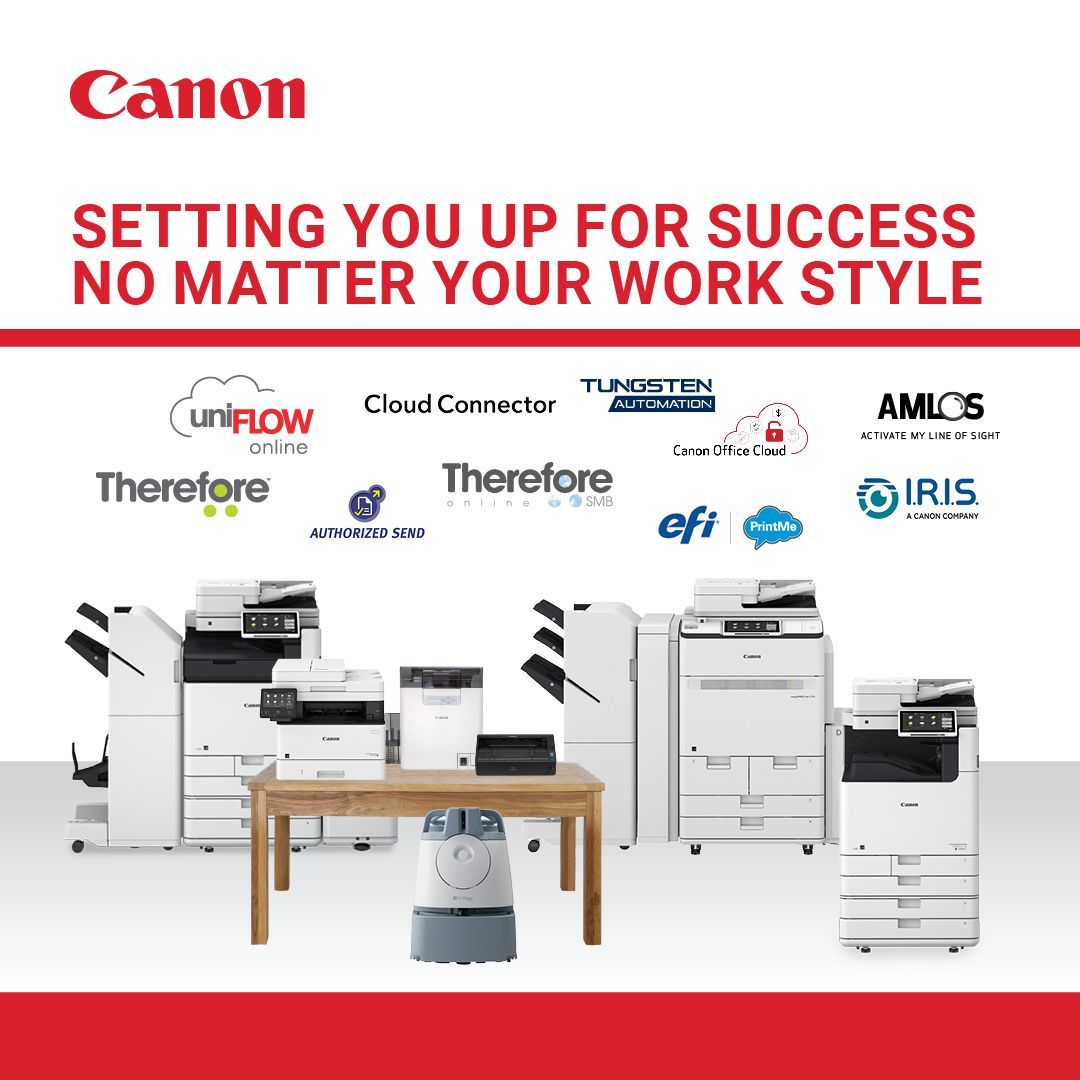
Setting You Up for Success No Matter Your Work Style with Canon Solutions
Thu Sep 12, 2024
The modern workplace is rapidly evolving and businesses are shifting between in-office, hybrid and remote environments. Whether your team works from the office, home or a combination of both, we know Canon has the tools and technology to help you succeed, no matter your work style.
Here’s a step-by-step guide on how with genesisONE using Canon can set you up for success in any work environment.
Step 1: Identify Your Office Environment
Understanding your office setup is essential to determining which tools will be most effective for your business. Canon offers solutions tailored for:
100% In-Office: For businesses that operate fully in a physical office space, Canon’s print management and information management tools can streamline operations and enhance productivity.
Hybrid: If your team works in a hybrid model, Canon’s mobile print, document capture and distribution tools ensure that employees can access critical documents from any location.
100% Remote: For fully remote teams, Canon offers collaboration tools, mobile solutions and cloud-based platforms to keep your team connected and productive, no matter where they are.
Step 2: Select the Right Devices
Canon’s wide range of devices ensures that businesses of all sizes and work styles can find solutions tailored to their needs. Some of the available options include:
Multi-Function Printers: These are ideal for businesses that need to print, scan, copy and fax, offering an all-in-one solution.
ID Card and Label Printers: Perfect for companies that require high-quality identification badges or labels for inventory management.
Desktop Printers: These are great for home or small office use, providing high-quality printing in a compact format.
Specialty Printing: If your business needs high-quality images and specialized print jobs, Canon offers inkjet and large-format printing solutions.
Light Production Printing: For businesses that require robust printing capabilities for brochures, reports, or marketing materials, Canon’s light production printers are the go-to solution.
Step 3: Choose Software Add-ons for Enhanced Efficiency
To get the most out of your Canon devices, selecting the right software add-ons is crucial. Canon offers a variety of solutions to enhance productivity and collaboration:
Print Management: Canon’s uniFLOW software offers comprehensive print management solutions that help monitor usage, secure documents and reduce waste.
Information Management: Canon provides tools to streamline document handling, making it easier for teams to capture, store and retrieve information in both digital and physical formats.
Mobile Print: For employees who work remotely or in multiple locations, Canon’s mobile print solutions make it easy to print from smartphones, tablets or laptops.
Document Capture and Distribution: This feature ensures that important documents are digitized and distributed quickly and securely, enabling your team to stay organized and efficient no matter where they work.
Final Thoughts
The way we work is constantly evolving, but with Canon’s comprehensive range of solutions, your business can stay productive and efficient no matter your work style. Whether you’re in the office, working remotely or somewhere in between, Canon sets you up for success with the right devices, software and tools to meet your unique needs.
Explore how Canon can help you create a more connected, productive work environment by contacting us today!