
BLOG/NEWS
The Latest
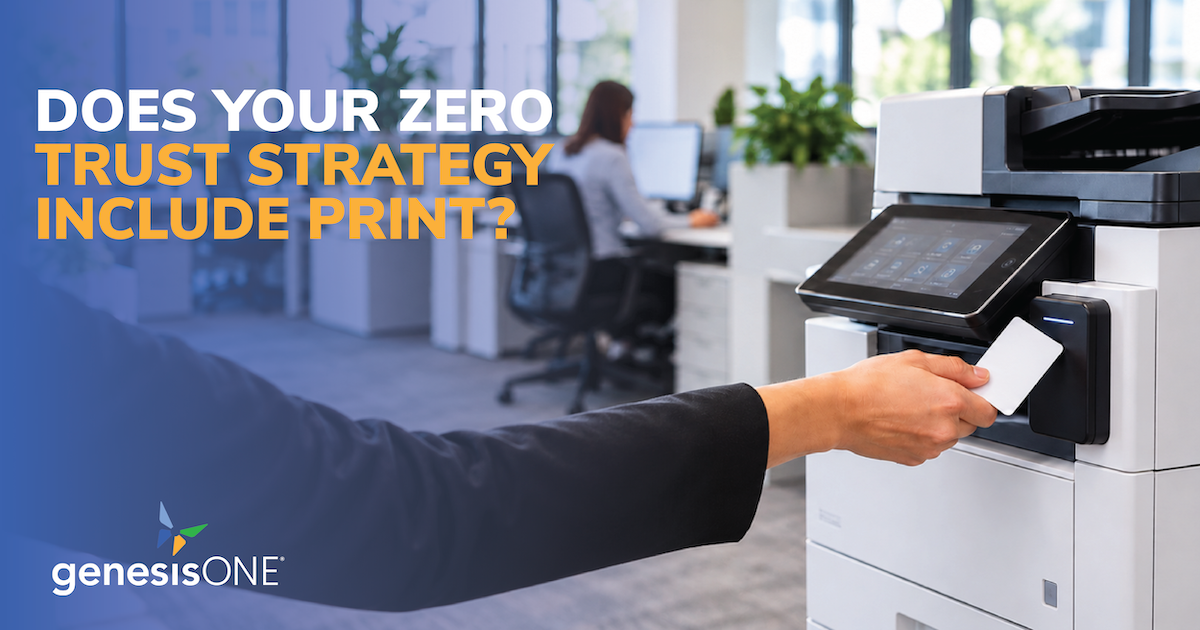
Does Your Zero Trust Strategy Include Print?
Tue Oct 13, 2026
Your organization may verify employee logins, protect laptops and monitor access to cloud applications. But what happens when a sensitive document reaches the office printer?
That question deserves a place in the security conversation.
At genesisONE, we believe confidence in your print environment starts with understanding how people, equipment and information connect. Print security extends beyond the device to the software, permissions and document processes around it.
What Zero Trust means for printing
Zero Trust starts with a straightforward principle: being inside the office network does not automatically make a user or device trustworthy. Access should depend on verified identity and appropriate permissions. That principle comes from the National Institute of Standards and Technology’s Zero Trust guidance.
Applied to printing, it invites practical questions. Who can submit a job? Who can collect it? Who can change device settings? Where does the document travel and what happens to it afterward?
A printer behind a firewall still needs those answers.
A gap worth examining
In its 2026 research, Vasion reported that only 16% of surveyed enterprise IT leaders included print infrastructure in their Zero Trust coverage. The research was commissioned by Vasion, a print technology vendor, and surveyed more than 500 enterprise CIOs and IT leaders through Censuswide.
The finding is a useful conversation starter. It does not tell you whether your own environment is secure. It does suggest that print can fall outside a broader security program even when other systems receive careful attention.
Follow the document, not just the device
Consider a confidential financial report. It starts on a laptop, passes through print software or a server, reaches a multifunction device and becomes a physical document. Each stage creates a different question about access and protection.
For that reason, we encourage organizations to look at five parts of the print environment:
Security should fit the way your people work
Controls work best when employees understand them and can complete their work without unnecessary friction. If releasing a print job is confusing or scanning to an approved destination takes too many steps, people may look for workarounds.
For a healthcare team, the priority might be protecting patient documents at shared devices. For a law firm, it may be access to client files and approved scan destinations. For a national organization, it could be applying consistent policies across locations with different equipment.
The right starting point is the work your people actually do.
Where genesisONE fits
genesisONE brings hardware, software and managed print services into the same conversation. Our print security solutions include options for access control, secure release and device protection. Available capabilities vary by device, software and configuration.
Working alongside your IT team, we can explore which options fit your print environment and where greater visibility or control would help. A print solution can support your wider Zero Trust strategy, but no single device or software purchase establishes Zero Trust across an organization.
Does your security program follow the document all the way to the output tray? We invite you to explore that question with genesisONE and identify a practical next step toward greater confidence in your print environment.